.png)
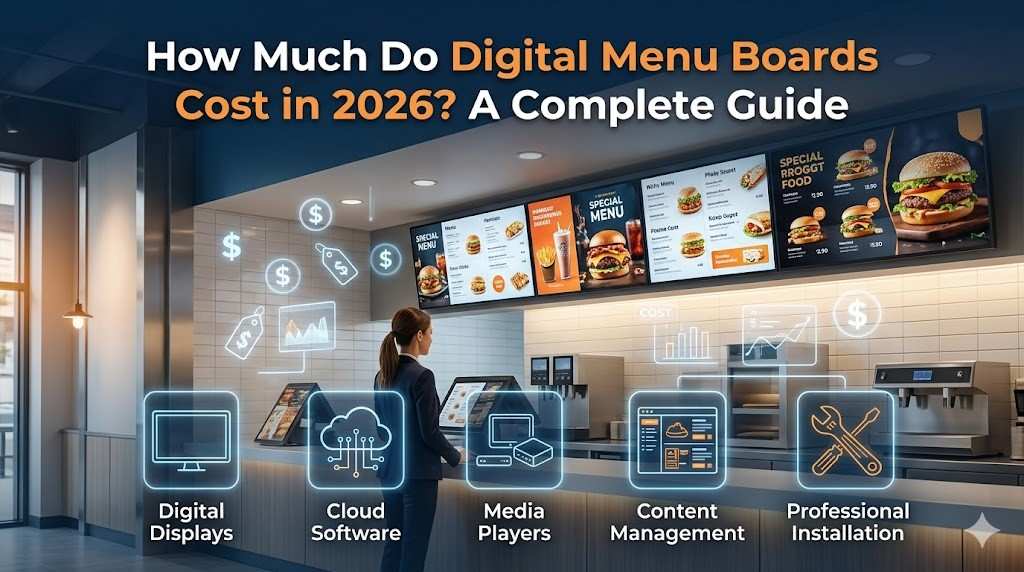
Digital menu board costs range from $200 for a basic DIY setup to over $6,000 for a full commercial installation. (Pricing a full drive-thru lane instead? See the drive-thru cost guide.)
So how much do digital menu boards cost for your specific business? That depends on five decisions: the display type, the media player, the software, the content design, and installation. Get one of those wrong and you either overspend or end up with a system that doesn't work for your operation.
This guide breaks down every digital menu board price component so you can build an accurate budget before you buy anything.
DIY or Managed: Which Digital Menu Board Is Right for You?
Before you look at screens, figure out which type of system you need. There are two options.
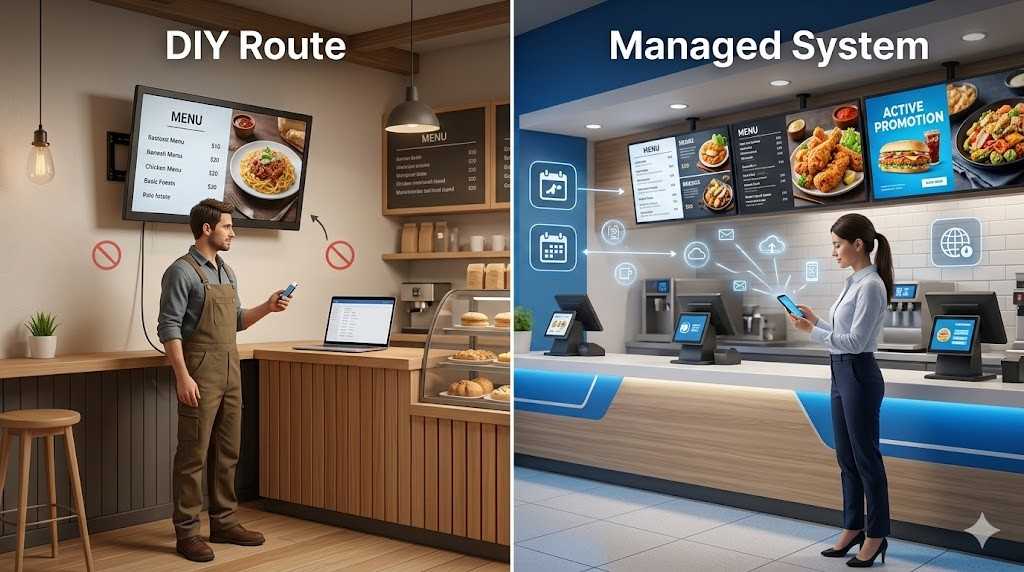
The DIY Route
You buy a consumer TV, plug in a USB drive with a static image of your menu, and you're done.
Total cost? $200 to $400 per screen.
It works. But it comes with real trade-offs:
- No remote updates. Want to change the price? Pull the USB, edit the file on your computer, physically swap it back.
- Consumer TVs aren't built for 24/7 restaurant use. They fail faster.
- Zero scheduling. No breakfast menu, no lunch menu, no LTO content.
Best for: pop-up setups, single locations, or businesses whose menu almost never changes.
The Managed System
This is what most restaurants and QSRs actually use. Commercial-grade displays, a dedicated media player, and cloud-based software that lets you update content from your phone.
Change a price across 10 locations in 30 seconds. Schedule a breakfast menu to switch automatically at 10:30am. Push a limited-time offer without touching a single screen.
For most operators, this is where digital menu boards cost land:
Cost: $600 to $2,500 per screen upfront, plus $10 to $60 per month in software fees.
Best for: quick-service restaurants, cafes, multi-location operators, and anyone running regular pricing changes or seasonal promotions.
Read More:
Top 10 Benefits of Digital Menu Boards for Restaurants
5 Things That Determine Your Digital Menu Boards Cost
A digital menu board system has 5 main cost components. Each one affects the total price differently. Below is the complete detailed cost guide covering every component.
The Display
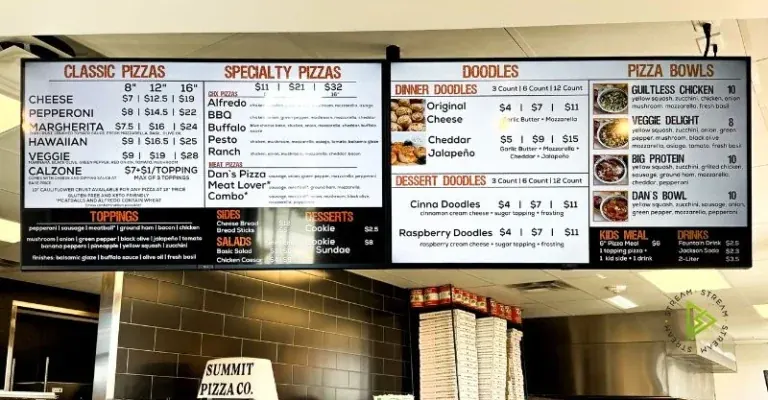
The display is the biggest upfront cost. Here's what each type runs:
Magnetic menu boards - metalized graphic sheets on a PVC backboard. No screens, no software. Every menu change means reprinting the panels. Price: $400 to $2,000.
LED illuminated boards - a lightbox with your menu printed on translucent panels. A single panel starts around $700. A typical 4 to 6 panel setup starts at $2,800. Again, every update means new printed panels.
Digital displays (entry level) - a 43" commercial display with a media player and CMS. Starting price: around $600 for the screen alone, or $1,200 to $1,800 for a complete single-screen setup.
Digital displays (multi-screen) - 2 to 6 commercial screens with professional mounts and full software. Expect $2,500 to $6,000+ depending on screen count and size.
Hybrid boards - one digital screen for promos and LTOs, paired with LED panels for your permanent menu. Cuts down on software costs. Price range: $3,000 to $8,000.
Not sure which one fits your business? Simple rule:
- Menu rarely changes → magnetic or LED board
- Prices and promos change regularly → digital or hybrid
- Multiple locations → managed digital with cloud software
The Media Player
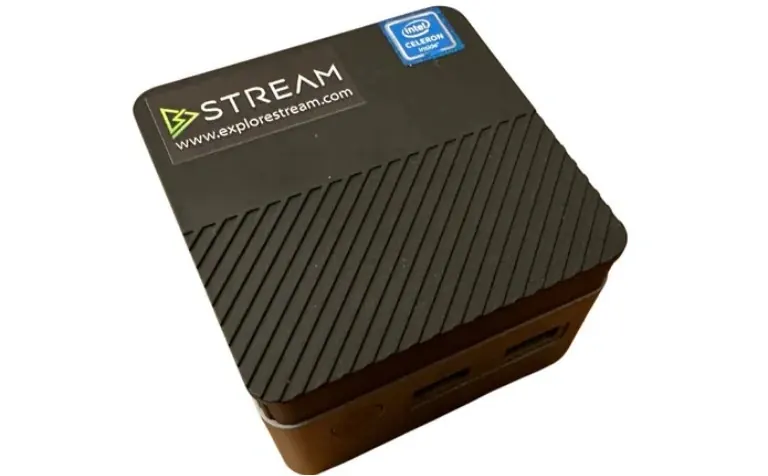
A media player is the device that connects to your display and pushes content from your software to your screen. Without one, a commercial display has no content to show.
There are 2 types of media players:
- External hardware players connect via HDMI and run your content management software directly. If the internet drops, your content keeps playing - because the content is cached locally. These run $200 to $1,200 depending on resolution support and remote management features.
- Software-based players use the built-in browser on a smart TV or mobile device. Cheaper upfront. But they need a stable connection at all times, and they're less reliable in high-traffic environments.
For most restaurant and QSR applications, an external hardware player is the better long-term investment. Spending more on the player reduces downtime and support issues over the life of the system.
The Software (CMS)
Content management software is what gives you control over your screens - remotely, from any device, at any time.
Most providers charge a monthly or annual fee per screen. Across the market, that's typically $8 to $95 per screen per month.
What to look for in a CMS:
- Remote updates from your phone or laptop
- Dayparting - automatic menu switching for breakfast, lunch, and dinner
- A template library so you're not starting from scratch
- Multi-location management from a single login
- POS integration for automatic price sync
- Offline alerts when a screen goes down
Content Creation and Design
Here's the cost most people miss when they're budgeting.
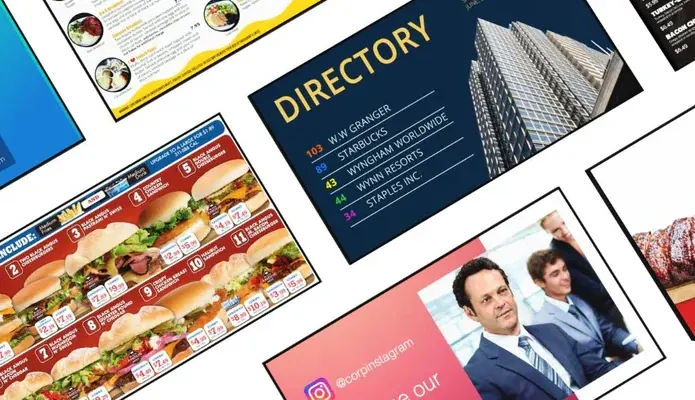
Screens and software are just the delivery system. What actually goes on those screens - the layout, pricing structure, images, promotional graphics - that's the content. And it has to look good.
- Professional agency: $100 to $120 per hour. A standard initial menu design typically runs 10+ hours. Ongoing updates - price changes, seasonal items, LTO rotations - are billed on top of that at the same rate.
- Template-based design: Most CMS platforms include a template library. If you manage content in-house using templates, ongoing design costs can drop to near zero.
Here's how it breaks down:
|
Approach |
Upfront Cost |
Ongoing Cost |
|
Professional agency |
$1,000 to $2,000+ |
$100+ per hour |
|
Template-based, self-managed |
$0 to $200 |
Minimal |
|
Agency setup, self-managed after |
$500 to $1,000 |
Minimal |
Installation, Networking, and Maintenance
Installation is where the surprise bills show up. Here's what goes into it.
Hardware installation covers mounting screens, running cables, and connecting power. Two main options: wall mounts and ceiling mounts. Ceiling mounts work well in narrow service areas where wall space is limited.
- Wall mounts: $400 for a 2-screen setup, up to $1,100 for 4 screens
- Ceiling mounts: $350 for a 2-screen setup, up to $850 for 4 screens
Pre-installation site survey: Strongly recommended before anything goes up. A professional team checks screen placement, cable routing, electrical access, and structural requirements before a single screw goes in. Cost: $450 to $600. It sounds like an extra expense. But it's significantly cheaper than fixing a bad install afterward.
Networking: Your screens need a stable internet connection to receive content updates. That said, most commercial CMS platforms cache content locally - so if the connection drops temporarily, your screens keep running. Confirm this feature before choosing a provider.
Ongoing maintenance: Commercial displays are built for 24/7 use, but they still need attention over time. Most providers offer support plans that include hardware monitoring, remote troubleshooting, and backup redundancy. Budget $150 to $250 per year depending on coverage level.
Ready to Figure Out Your Setup?
If you've made it this far, you have a clear picture of what a digital menu board system costs and what drives that number up or down.
Stream provides complete indoor digital menu board systems across the United States, including commercial LG displays, StreamPLAYER media players, ContentMANAGER software, professional mounts, and content design services.
One location or twenty - Our team can help you put together the right system without the guesswork.
FAQ
-
Are digital menu boards worth the investment?
For most restaurants and QSRs, yes. The ability to update prices remotely, schedule LTO content, and run daypart menus without reprinting physical boards eliminates ongoing print costs and reduces the time your staff spends on manual updates. On average, a well set up digital menu board system delivers a return on investment within about 6 months.
-
How much does a digital menu board cost for a small restaurant?
A single screen setup with a 43" commercial display, media player, wall mount, and software runs approximately $1,300 to $1,500 upfront, plus around $180 per year for the annual software license. If you need 2 screens, budget at least $3,000 upfront. It sounds like a lot at first, but when you factor in the cost of reprinting static boards every time your menu changes, the numbers start to look very different.
-
Can I use my existing TV as a digital menu board?
Yes, but with limitations. Consumer TVs work for basic setups when connected to a compatible media player. They are not rated for 24/7 operation in restaurant environments, so failure rates are higher than commercial grade displays over time. For permanent installations, a commercial display is the more cost effective choice when you look at it across a 3 to 5 year period.
-
What is the difference between a digital menu board and an LED illuminated menu board?
An LED illuminated board is a static lightbox. The menu is printed on a translucent panel and lit from behind. Every time something changes, you are printing and replacing the panel all over again. A digital menu board is a commercial display showing dynamic content that you update remotely through software. LED boards cost less upfront. Digital boards cost less to maintain over time and give you far more flexibility for promotions, pricing changes, and managing multiple locations.